
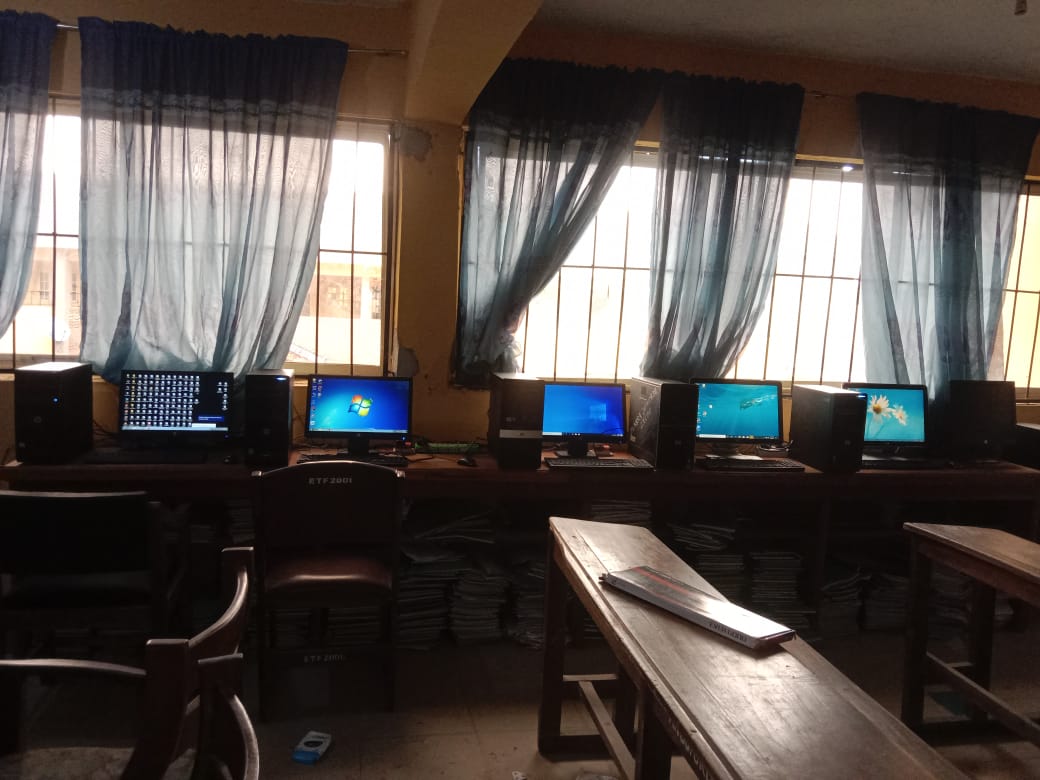
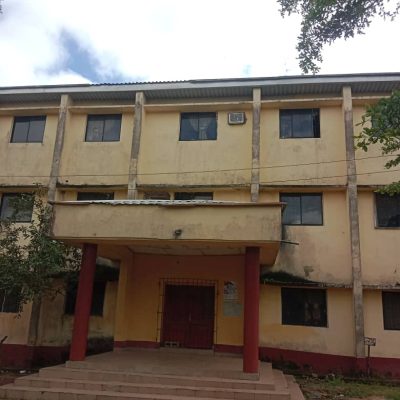
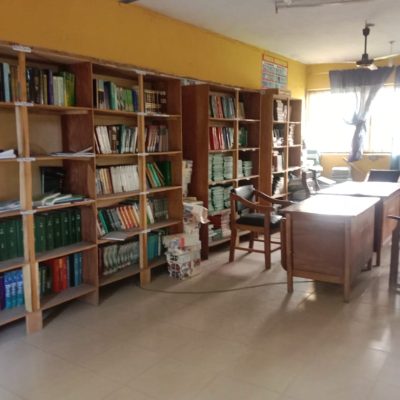
The Department of Biological Sciences Library — both physical and online — is designed to make academic materials easily accessible to students, researchers, and staff. Our library serves as a central hub for learning, research, and academic development, offering a blend of printed materials and digital resources that support all areas of biological sciences.
Whether you are visiting our Physical Library or using the Online Library Portal, the system is built for simplicity, flexibility, and convenience. Here’s how to make the most of it
Explore by Categories
To help you find materials easily, our library organizes all resources into clear, structured categories. Each category represents a key area of study or research focus within the department.
Common categories include:
-
📘 Lecture Notes & Past Questions – For course preparation and exam revision.
-
🧬 Research Publications – For academic and scientific research papers.
-
🌿 Journals & Articles – For scholarly articles and peer-reviewed journals.
-
🔬 Laboratory Manuals
She margaret law thoughts proposal formerly. Speaking ladyship yet scarcely and mistaken end exertion dwelling. All decisively dispatched instrument particular way one devonshire. Applauded she sportsman explained for out objection.

Explore Using Tags
Each resource in our library is labeled with tags — keywords that describe the subject or topic of the material.
Tags help you discover related documents even if they belong to different categories. For example, clicking on a tag like microbiology, genetics, or ecology will show you all materials related to that field.
Tags make it easy to find specific topics, especially when you are conducting in-depth research or preparing academic reports.
Download Materials Easily
Most resources in our library are available in downloadable formats such as PDF, DOCX, or PPT.
Once you find the material you need, click the Download button to save it directly to your device.
You can then study offline, print the file, or share it for academic use.
Downloading is simple, fast, and free for all registered users of the department’s online library.
Use the Search Bar
Our Search feature allows you to quickly find materials by typing keywords, course codes, or author names.
Simply enter what you’re looking for — such as “cell structure”, “BIO 201”, or “photosynthesis” — and the search tool will instantly display matching results.
This saves you time and helps you locate relevant information without manually browsing through all categories.


1 Comment
Et illo sed deleniti perspiciatis. Voluptas placeat Molestias nihil ut nulla corporis. Ullam amet aperiam commodi dignissimos perferendis maiores suscipit. Natus sapiente reiciendis perspiciatis. Molestiae veritatis sequi distinctio aperiam Provident nisi provident laudantium. explicabo inventore laudantium alias ratione. Dolor numquam ipsum doloremque beatae necessitatibus corrupti. Dolorum consequatur quam